
That rhythmic click… click… click coming from your hard drive is the single most urgent sound in data recovery. It means the drive is mechanically failing right now, and every minute it stays powered on, your chances of getting the data back drop.
Here’s what’s actually happening, and what to do about it.
What the clicking means
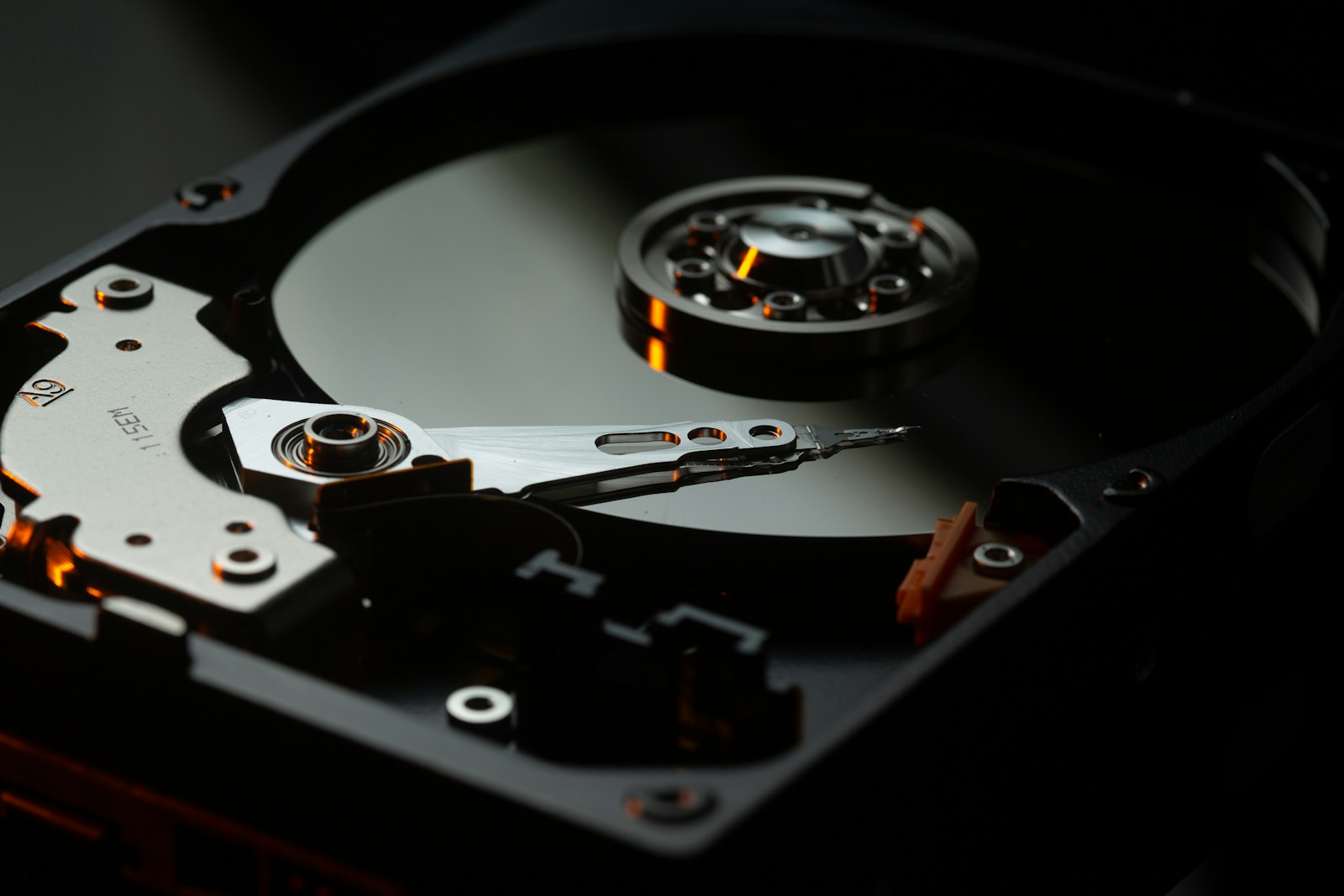
Inside a mechanical hard drive, microscopic read/write heads float a fraction of a hair’s width above spinning platters that hold your data. The clicking, technicians call it the “click of death”, is the sound of those heads failing to read the platter and resetting, over and over.
It usually means one of three things:
- The heads have physically crashed into the platter surface
- The heads have lost alignment and can’t find the data tracks
- The drive’s firmware is stuck in a recovery loop
All three are mechanical or low-level failures. None of them can be fixed by software, and none of them improve by trying again.
Why you must power it off now
Every time a damaged head sweeps across the platter, it can scratch the magnetic surface where your data lives. A scratched platter isn’t just hard to recover, in the worst cases it’s permanently destroyed, turned to dust inside the drive.
So the most valuable thing you can do for your data is the simplest: switch the drive off and leave it off. Don’t keep plugging it in “just to try once more.” Don’t run recovery software that hammers the drive for hours. Each attempt is a roll of the dice with your photos and files as the stakes.
What you should NOT do
- Don’t freeze the drive. It’s an old internet myth. Condensation inside a precision mechanical device does far more harm than good.
- Don’t open it. Platters need a particle-controlled environment. Opening a drive in a normal room lets dust settle on the surface, instant damage.
- Don’t keep retrying. “It worked for a second last time” is the drive dying a little more each time.
- Don’t shake or tap it. Old advice for stuck motors; on modern drives it risks a head crash.
How recovery works in our Perth lab
When a clicking drive reaches us, we work in a controlled environment. Depending on the failure, recovery can involve:
- Replacing the failed read/write heads with matched donor parts
- Repairing or rebuilding the drive’s firmware so it can read the platters again
- Imaging the drive sector-by-sector onto healthy media before extracting your files
We assess the drive first ($85 inspection), tell you the honest odds, and quote the recovery in writing before doing anything. If the platters are too damaged to recover, we’ll tell you straight rather than running up a bill on a lost cause.
The one thing to remember
A clicking drive is a race against time and against every power-on. If you’ve heard the click, stop reading, switch it off, and call our Perth data recovery lab on 08 9325 1196. The drive that’s been clicking for ten minutes has far better odds than the one that’s been retried for ten days.